- Home
- Features
Features
Everything the console does, area by area. Watch each one in action: these are real console screens.
Your whole website at a glance
Speed, uptime, security and enquiries on one screen, so you always know where you stand.
- Google PageSpeed scores, tested every day
- Uptime checked every five minutes
- Live monitoring while you watch

Edit any page in place
Headings, paragraphs, lists, links and FAQs change in seconds, inside a layout that cannot be broken.
- Up to 50 earlier versions of every page
- Google title and description, with a live preview
- Regulated wording can be locked

Write now, publish later
Posts appear in your site’s own design, with the blog pages, categories and sitemap updated for you.
- A simple editor with headings, lists and FAQs
- Schedule posts for any date and time
- Category pages kept up to date

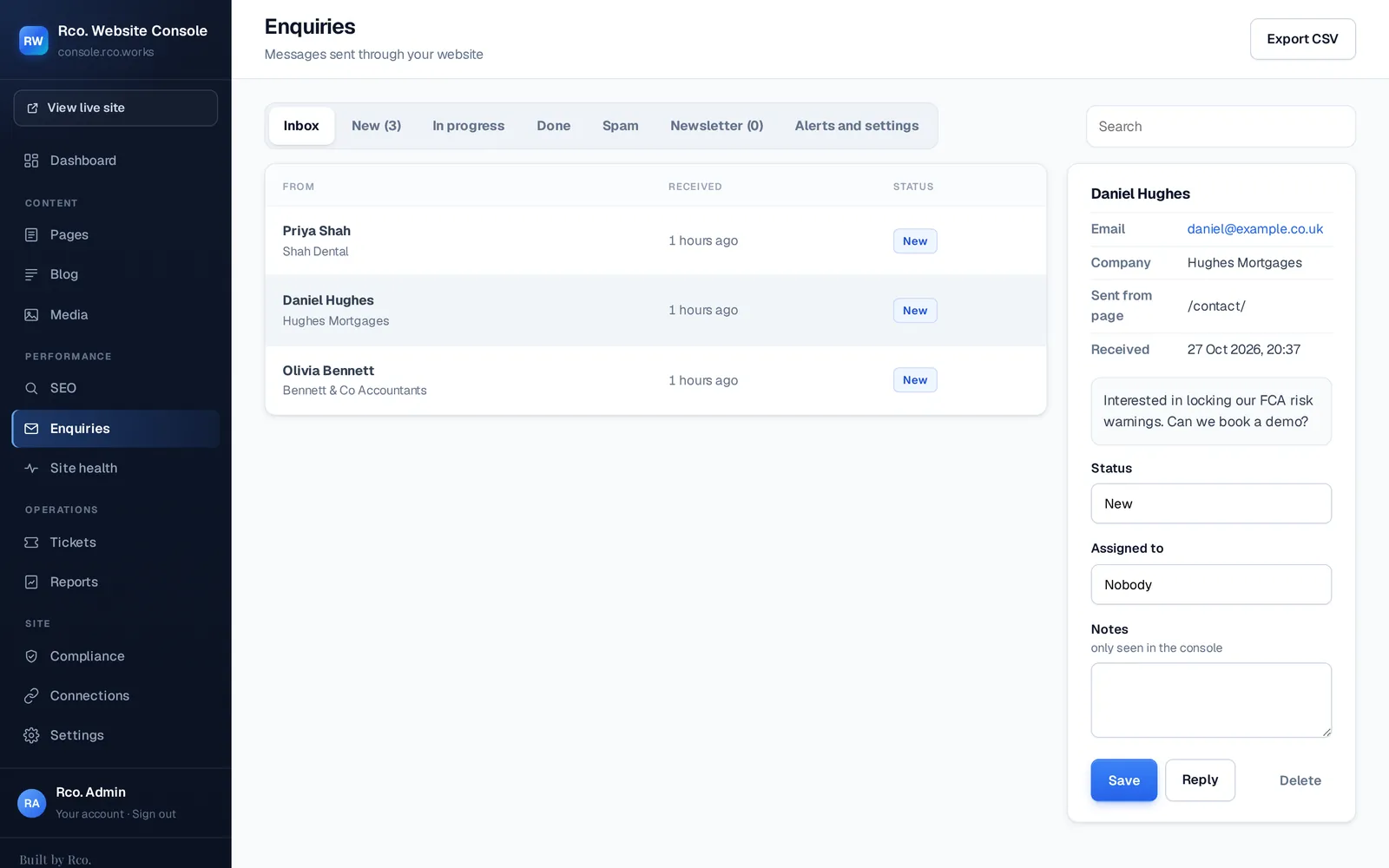
Every enquiry in one inbox
Website forms arrive in one place, with spam filtered out before it reaches you.
- Alerts by email the moment one arrives
- Notes, statuses and an optional automatic reply
- Thank-you pages so ad platforms count conversions
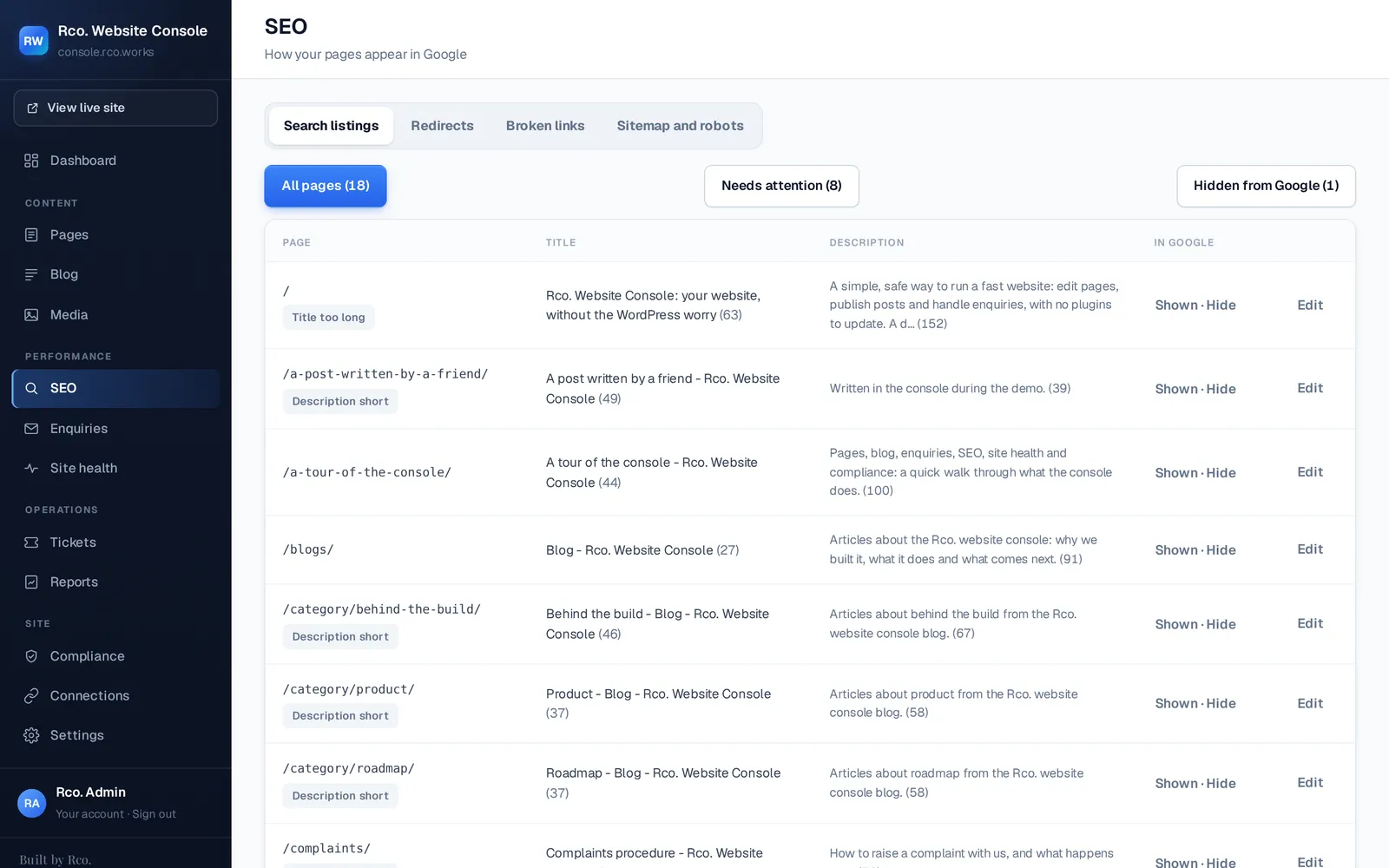
SEO in plain English
Everything Google sees, in one tidy list, with clear warnings when something needs attention.
- Every search listing in one place
- Redirects, the sitemap and missing pages
- Choose what Google can see
The right access for everyone
Owners, managers, agencies and viewers each see exactly what they need, and nothing they should not.
- Five login levels, from owner to read-only
- Partner agencies never see enquiries
- Developer access stays with your web team

The rest of the toolkit
Site health and backups
Uptime checked every five minutes, a daily speed test, security headers and backups on request.
Consent and tracking
Google Analytics, Tag Manager, Clarity, Meta and LinkedIn load only after a visitor agrees, with Consent Mode v2.
Tickets and reports
Ask your web team for bigger changes from inside the console, and get a monthly summary ready to email.
Locked content
Lock risk warnings, legal text or whole pages, so they stay exactly as approved.
Five login levels
Areas a person cannot use are hidden, not just greyed out.
| Level | Can do | Typically for |
|---|---|---|
| Owner | Everything, including users, email settings and connections | The business owner and anyone they trust to run the account |
| Manager | Pages, blog, SEO, enquiries and tickets | Internal managers |
| Partner | Pages, blog, media and SEO. No enquiries or users | SEO and other agencies |
| Viewer | Can look around, but not change anything | Anyone who needs to see, not edit |
| Developer | Everything, set on the server | Your web team only |